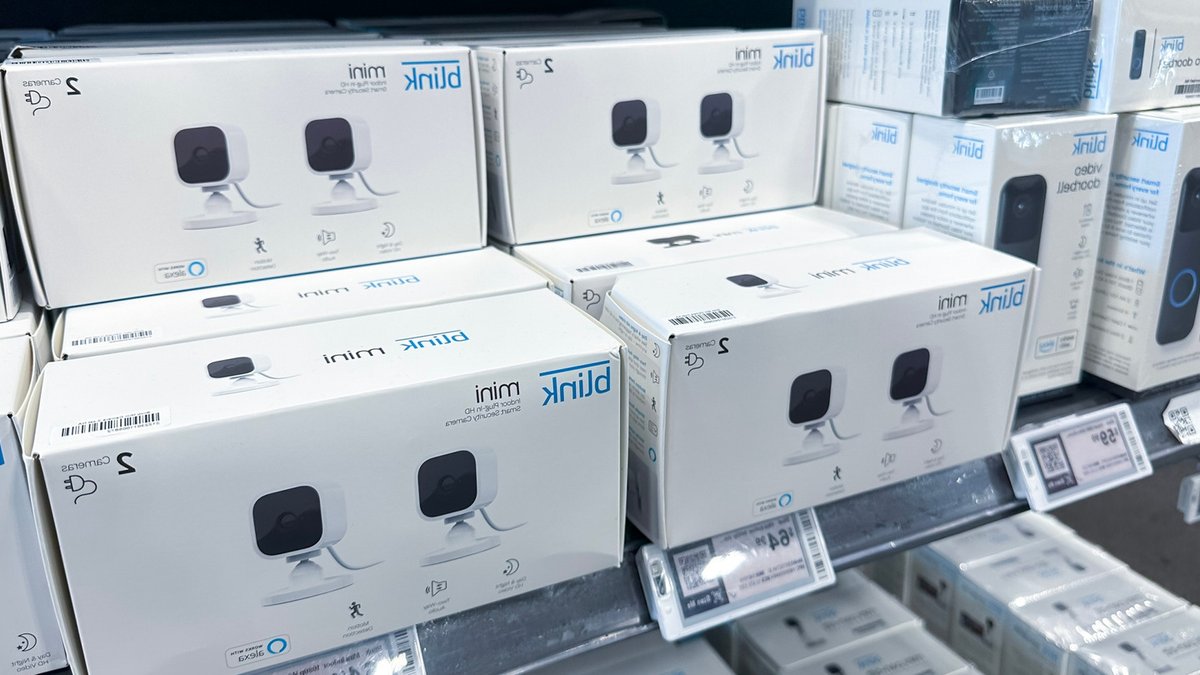
Seeing a flashing red light on your Blink camera usually signals a problem with connectivity or power. The blinking pattern can tell you exactly what is going on, but the specific meaning often depends on the model of the device you are using. Blink cameras have an LED status light designed for at-a-glance health monitoring, and understanding these signals helps maintain a secure home environment.
If you are setting up a new Blink Outdoor 4, the strobing red light indicates the device is searching for a Wi-Fi network. Blink recommends taking the batteries out for about five seconds and reinserting them if the light continues to flash after setup. This reset process often clears temporary glitches that prevent the camera from connecting to your network.
For Blink Video Doorbell owners, a flashing red light near the button signals that the doorbell is ready to connect to Wi-Fi. The same pattern appears on wired indoor cameras like the Blink Mini 2+, Mini 2, and Mini. If you see this pattern on an Outdoor or Indoor (3rd Gen), XT2, or XT device, the camera is likely disconnected from the internet.
These older models display a flashing red indicator every three seconds or so when they lose connection. They also use long and short red light patterns to signal that the camera is attempting to join a network. The specific duration and rhythm of the flashes can sometimes be subtle, but the red color remains consistent across these connectivity problems.
A low battery is another common reason for a red warning light. Blink Outdoor and Indoor (3rd Gen), XT2, and XT cameras may display a quick red LED when motion is detected. This feature helps identify movement, but it can be confused with a battery alert if the light is faint.
The device shows a critically low battery when the blue recording light stops and five or six red pulses occur in succession. The official Blink app can send a low battery notification to your phone or tablet, but user reports suggest these alerts are inconsistent. Some users receive warnings while others discover their cameras are offline only after they stop responding.
Keeping the firmware and apps updated is one of the most effective ways to ensure your equipment operates correctly. Regular updates not only improve performance but also address security vulnerabilities. Checking the battery level in the app is a practical step for anyone who relies on these cameras for home security, similar to checking the equipment maintenance costs for other devices.
It is essential to monitor the battery level and connectivity status of your Blink cameras to ensure they function properly. They provide a vital layer of security for your home, and any issues can compromise this security.
The Blink app allows you to check the status of your cameras and receive notifications when there is an issue. This feature helps you stay on top of any problems and address them promptly.



Leave a Reply