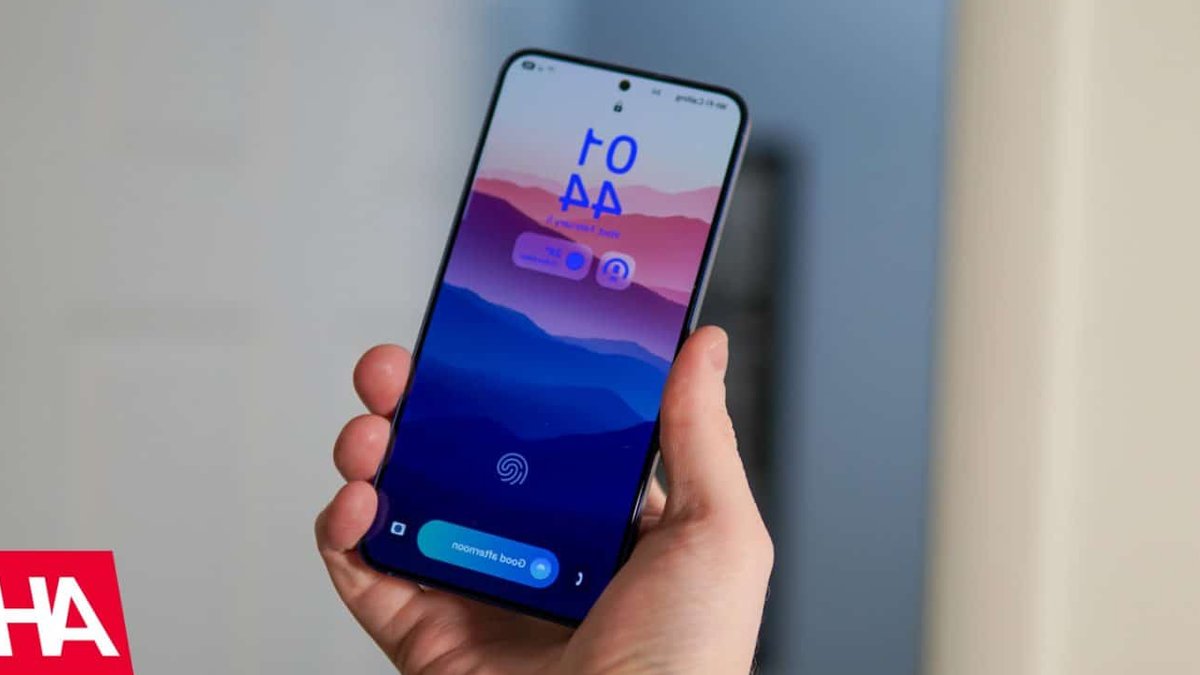
Samsung’s upcoming One UI 9.0 update will permanently lock Galaxy phones after 13 failed passcode attempts, forcing users to perform a full factory reset to regain access.
Escalating lockouts and a point of no return
The new policy, part of the Android 17-based software, is designed to block automated brute-force attacks by severely limiting the total number of passcode retries an unauthorized user gets.
Previous versions of One UI allowed more lenient retry windows. Under the updated system, failed attempts trigger increasingly long lockouts. The first five wrong entries impose a one-minute delay. After six failures, the wait jumps to five minutes, then 15 minutes at seven attempts, and 30 minutes at eight.
By the ninth attempt, the phone locks for 90 minutes. The tenth failure extends the freeze to four hours, and the eleventh to 12 hours. The twelfth attempt triggers a 24-hour lockout. If a user reaches the 13th consecutive failure, the device permanently locks and requires a factory reset to restore functionality.
Related: Gemini Live May Soon Allow File Attachments in Chats
Samsung has confirmed there is no remote recovery option for local credentials. A reset wipes all unbacked data—photos, files, and settings—and forces users to verify their Samsung and Google accounts to bypass Factory Reset Protection.
Safeguards aim to prevent accidental lockouts
To reduce the risk of legitimate users getting locked out, Samsung added several interface protections. The lockscreen now shows a countdown timer and a warning displaying the number of remaining attempts once the user enters the high-risk zone.
The system also includes smart attempt counting. If a user—or a child playing with the phone—rapidly enters the same incorrect PIN twice in a row, One UI 9.0 registers it as a single failed attempt. This prevents accidental double-taps from accelerating the lockout process.
Biometric unlock methods, like fingerprint or facial recognition, remain available for daily use. But Android’s security policy still requires entering the backup PIN at least once every 72 hours. Samsung emphasized that users should maintain secure offline records of their credentials to avoid being locked out.





Leave a Reply